Build pages by dragging – no code
Ready-made blocks that add up to a complete, polished website.
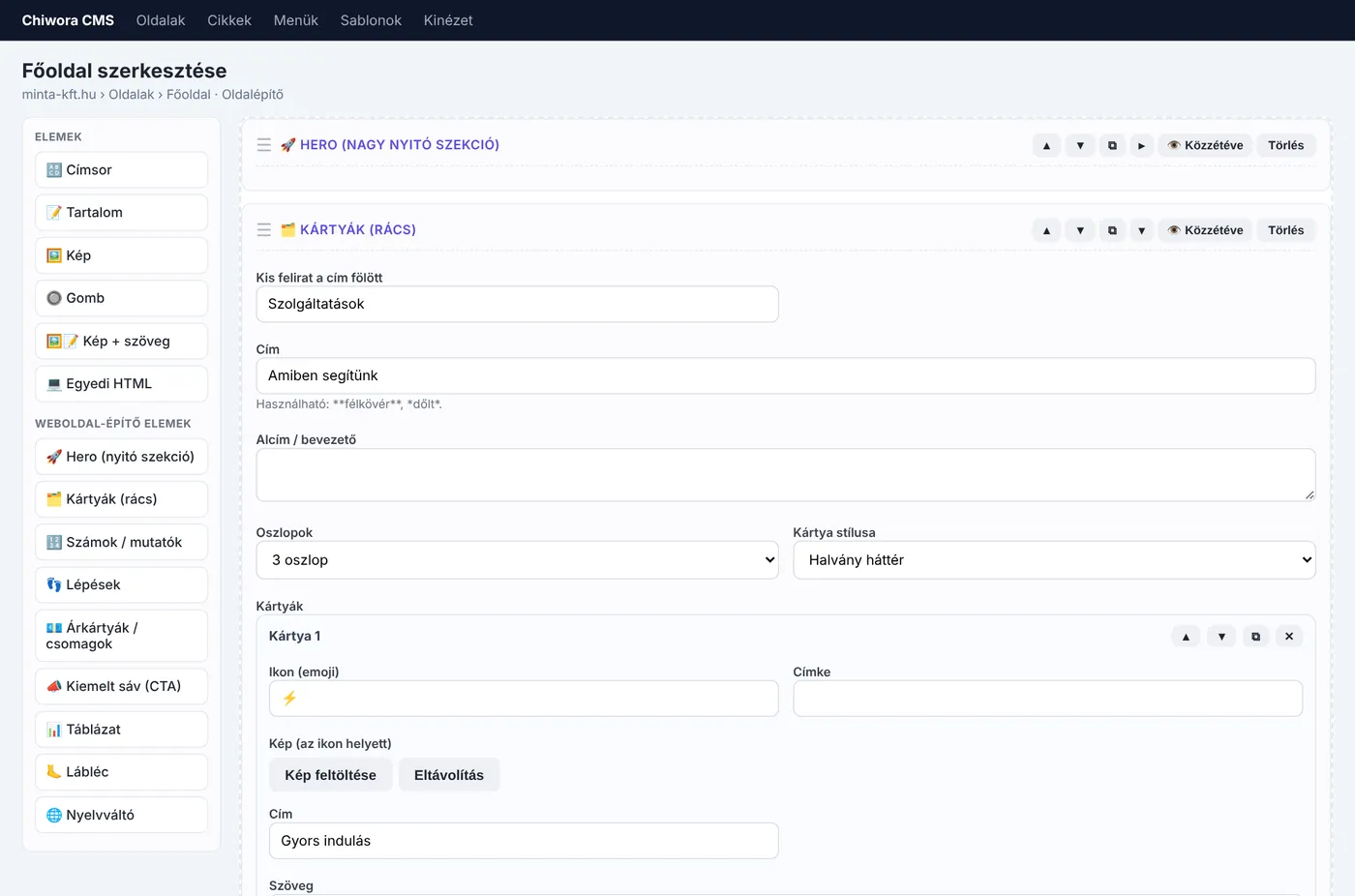
Drag elements onto the canvas.
Pull elements from the list on the left and reorder them on the canvas. Items of cards, pricing cards and steps are edited just as easily: add, copy, reorder, delete.
- All text can be formatted: bold, italic, links
- Per-block published or draft
- Copy and collapse for long pages
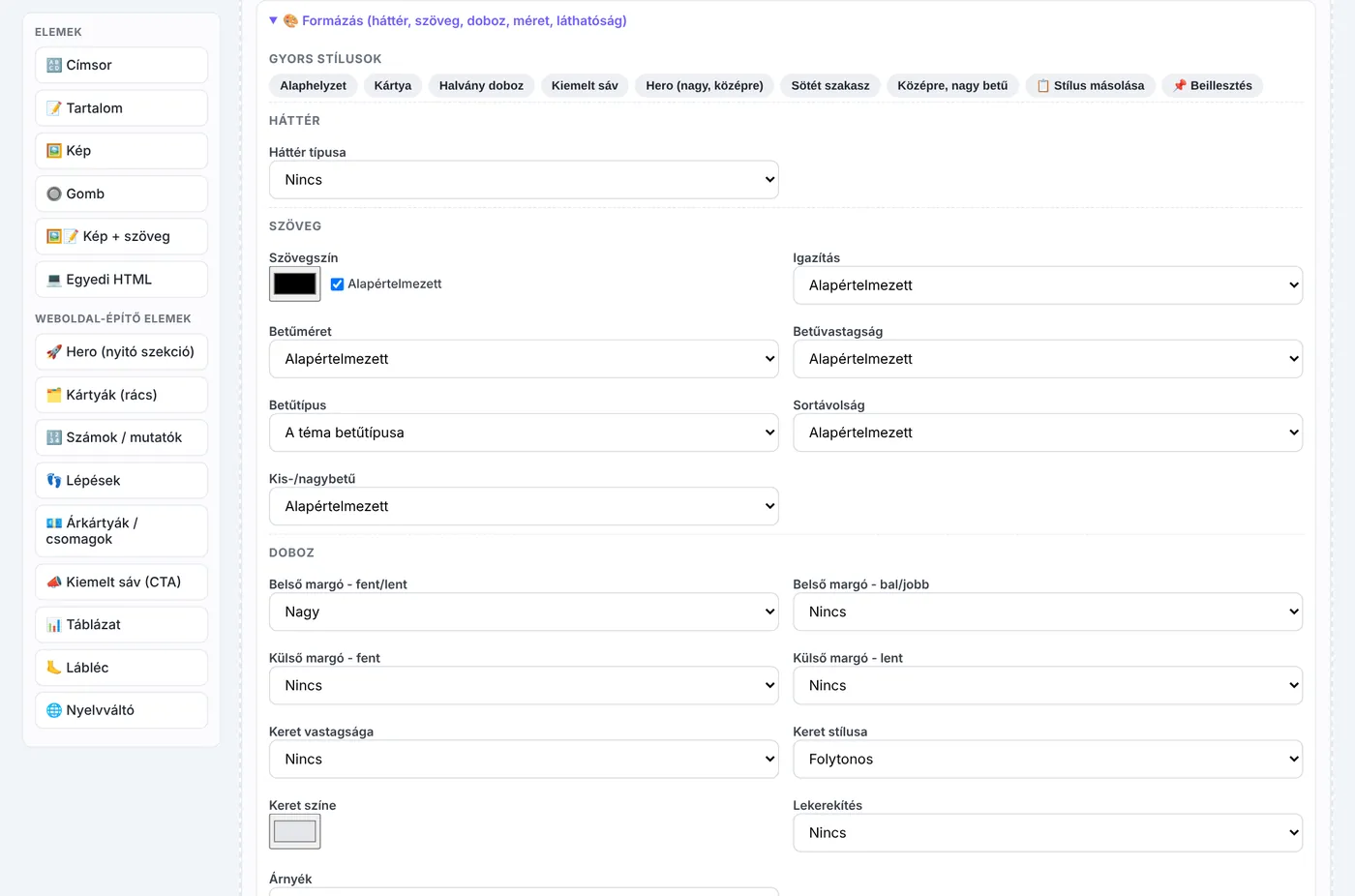
Formatting on every block.
Background (color, gradient, image with darkening), text, spacing, border, rounding, shadow, width and height – in one panel, with quick styles.
- Full-width sections and narrow boxes
- Hide on mobile or on desktop
- Anchor IDs for internal links
What you get
A page is built from these blocks – custom HTML is only needed if you want it.
Hero
Opening section with title, buttons and image.
Cards
Grid with icon, image, tag, link.
Numbers
Highlighted figures and results.
Steps
A numbered process description.
Pricing cards
Plans with a highlighted offer.
Call-to-action band
A call to action with buttons.
Table
Rows and columns from plain text.
Language switch
A switch for multilingual pages.
Image + text
Two-column content.
Gallery
Automatically changing images.
Menu
Named menus.
Footer
Text and links.
Try it for real
Ask for a demo and we will build a page together with your own content.